// 01 · THE BRIEF
Locked Out of Your Own Network
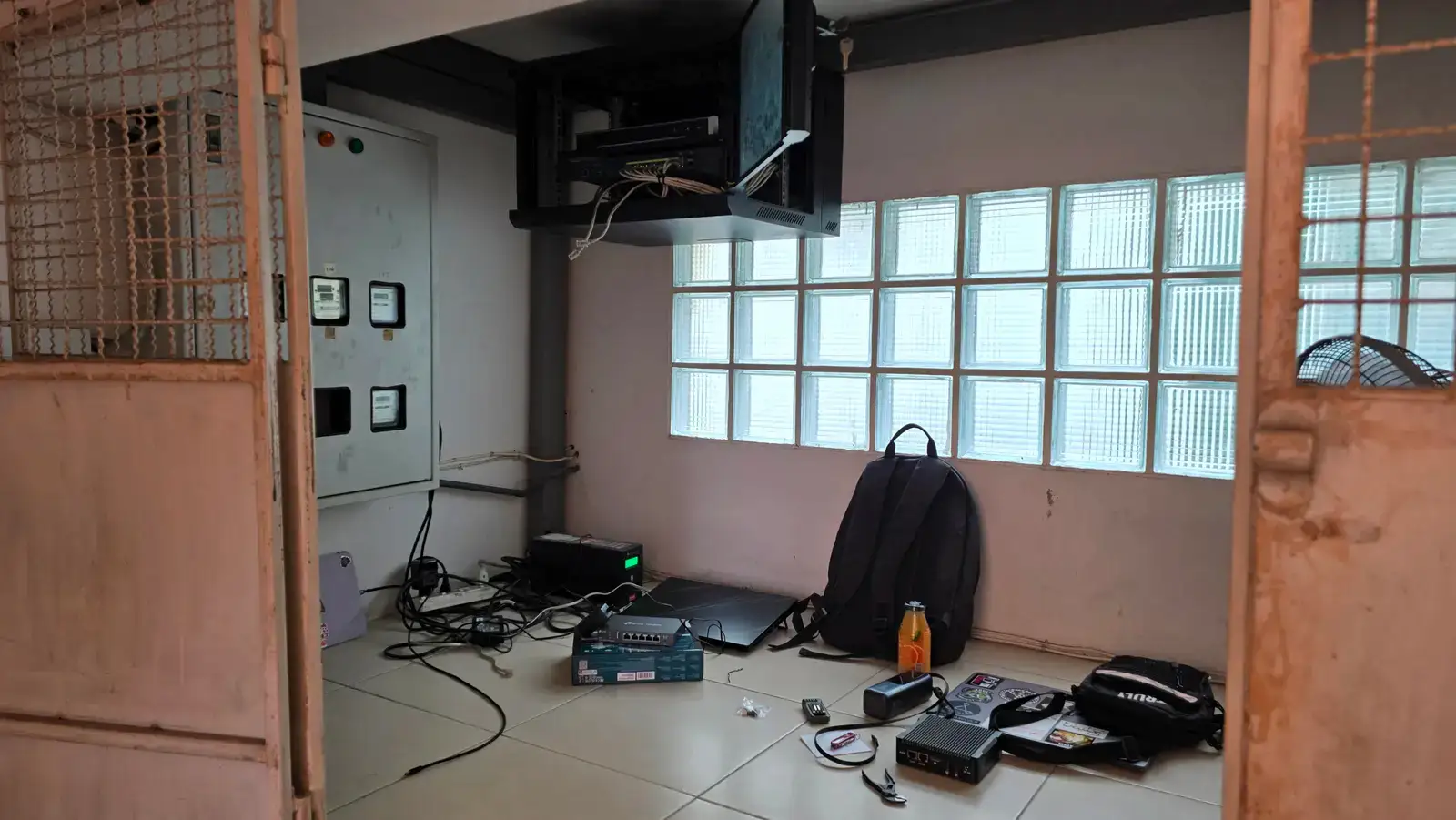
The internet in the building had become effectively unusable, and nobody could say why. The gateway could not be opened to find out either: the previous owner had lost the password and the new owner never had it, so the device that ran the whole building was a black box sitting in the rack.
Once I could look at the path instead of the config, the slowness made sense. The building was sitting behind the ISP router doing its own translation, so tenant traffic was going throughdouble NAT before it ever reached the internet.
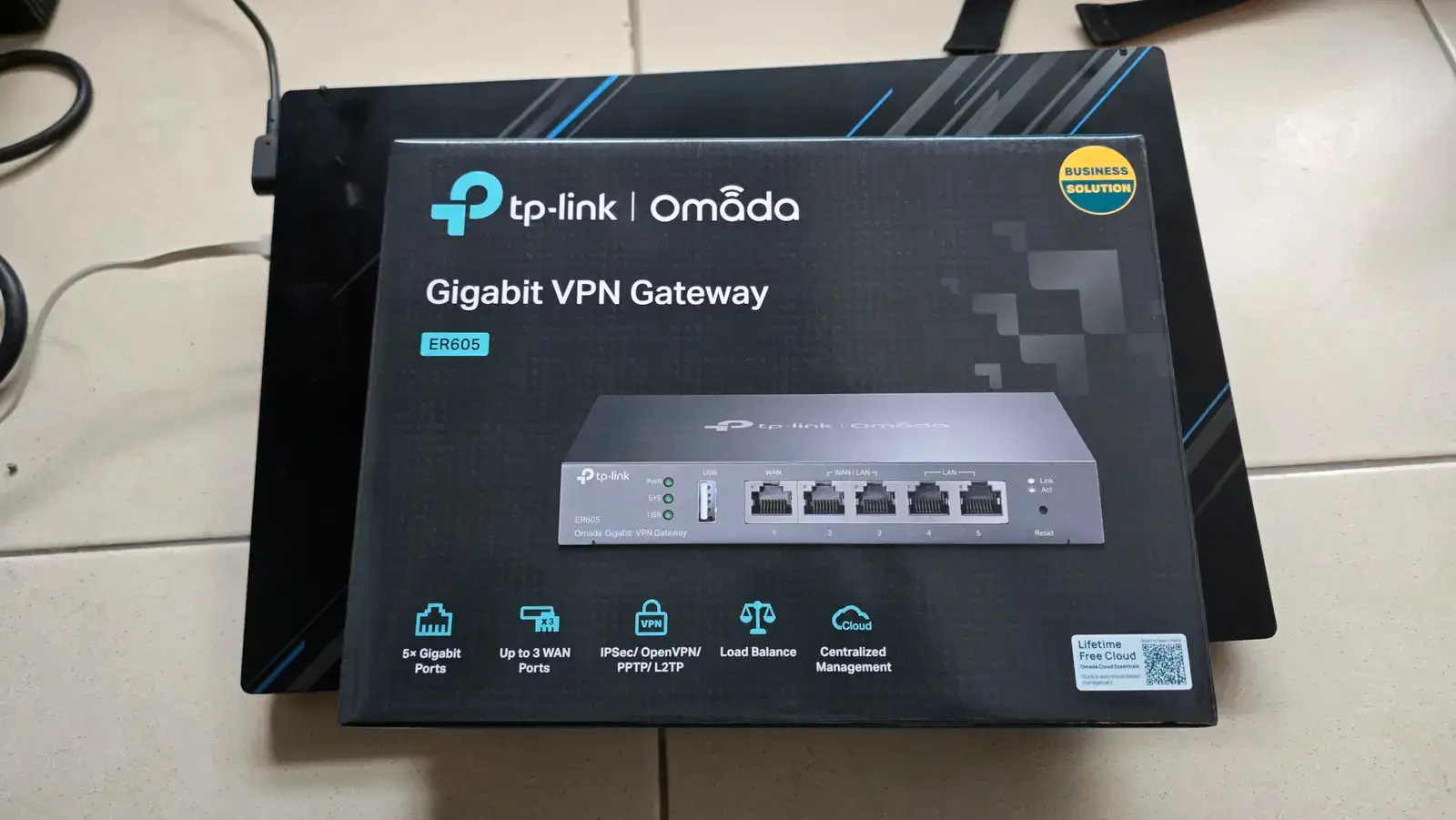
Rather than fight a router nobody could log into, the gateway was replaced outright and the network rebuilt behind it.
// 02 · HARDWARE
The Stack
| Device | Role |
|---|---|
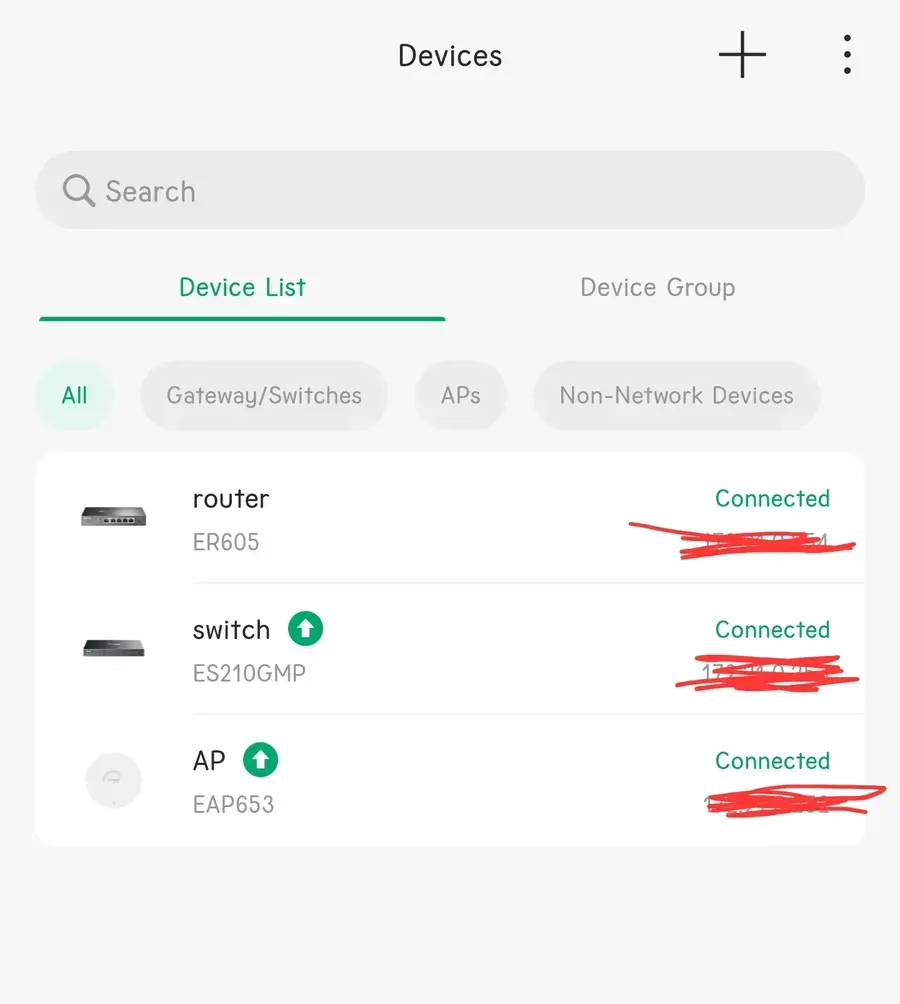
| TP-Link ER605Also runs the Omada controller in software | Gateway, PPPoE dialer, VLAN router |
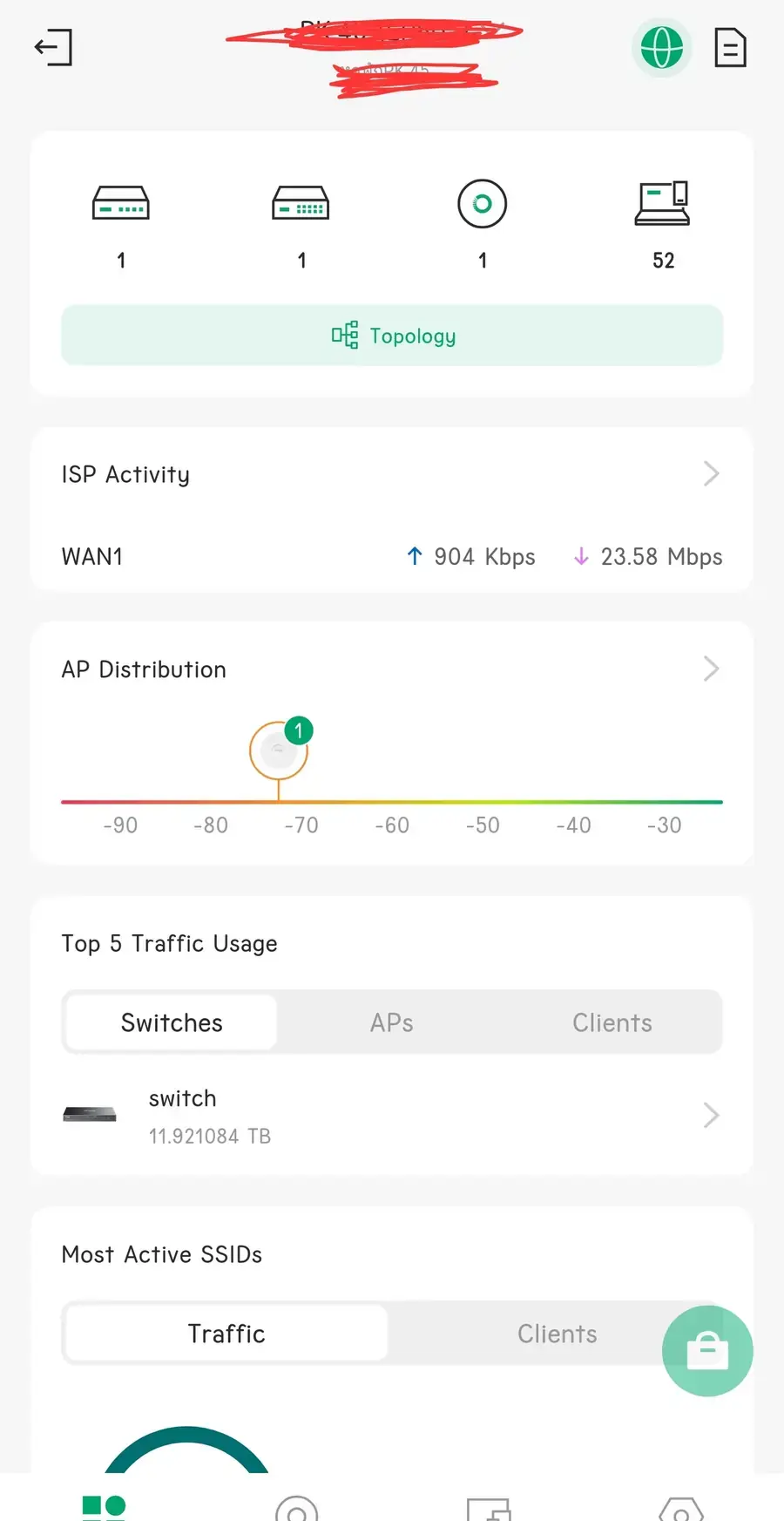
| TP-Link ES210GMPRoughly 12 TB has passed through it since | PoE switch feeding the APs |
| TP-Link EAP653 ×8Two per floor across four floors | Wi-Fi 6 access points |
| Omada SDN (built-in)On the router itself — no separate controller box | Central management for all of the above |
// 03 · DECISIONS
What I Changed and Why
01
Move PPPoE onto the new gateway
The ER605 now dials PPPoE itself, so it is the only device doing routing,NAT and addressing for the building. That single change removed the double NAT the old setup was stuck behind and is the main reason the numbers below moved at all.
02
Split tenants away from infrastructure
Two VLANs: one carries tenant Wi-Fi, the other carries the CCTV cameras and the network gear itself. Tenants and cameras no longer share a broadcast domain, and management interfaces are not reachable from the guest side.
03
Cut over while it was already broken
The network was down anyway, so that was the cheapest maintenance window I was ever going to get. I pulled the uplink to the switch, built the VLANs on the ER605 with nothing live behind it, then brought the building back up on the new design in one go instead of scheduling a second outage later.
04
Controller on the router, not a separate box
Omada can run from a dedicated hardware controller, but for one building it would have been overkill: when this network goes down, the fault is physical and I have to be on site regardless. Running the controller on the ER605 keeps the parts count low and gives the owner one less thing that can fail.
Why TP-Link Omada
An honest answer: I already knew TP-Link, the owner needed something that stays maintainable after I hand it over, and I had wanted to try the Omada line for a while. Cisco, MikroTik and UniFi were all gear I had never touched at that point, and a building full of tenants with no internet is a bad place to learn a new ecosystem from zero.
// 04 · RESULTS
Before and After
Before
88 Mbps
and mostly unusable in practice
After
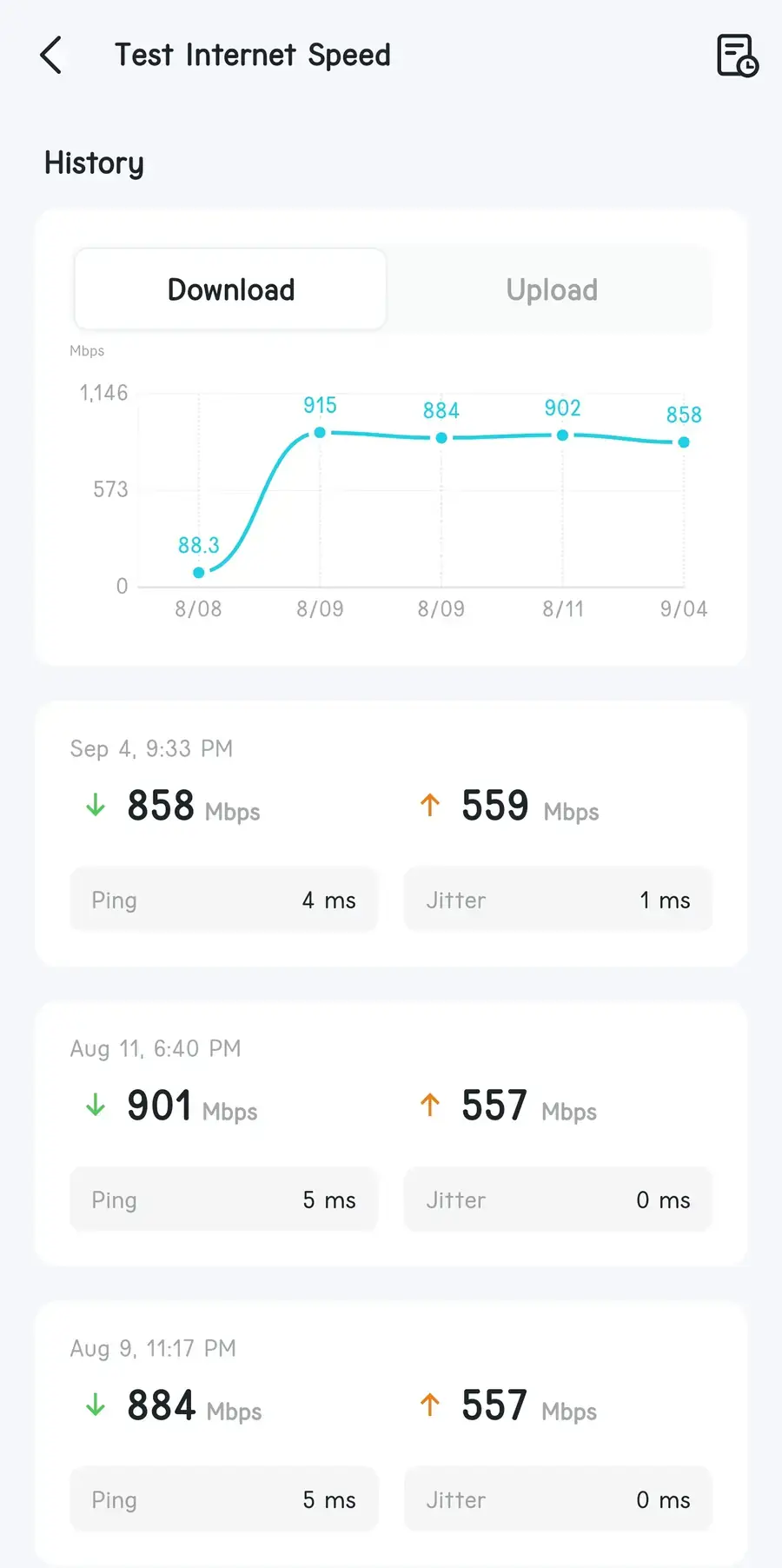
~900 Mbps
557 Mbps up · 4–5 ms ping · 0–1 ms jitter
The download figure held between 858 and 915 Mbps across repeated tests over the following weeks, so this is the steady state rather than one lucky run.
The more telling result is behavioural. Before, tenants ignored the house Wi-Fi and paid for their own mobile data. After, they moved onto it in numbers — 65 to 75 clients on a typical late night, and roughly 12 TB through the switch since the rebuild.
Per-device rate limiting exists for the nights when a handful of people try to take the whole pipe. It is still switched on by hand when traffic spikes, which is the obvious thing to automate next.
// 05 · WRAP-UP
Takeaways
What I got out of it
First time running a controller-managed network for a real building: VLAN design, a PPPoE cutover, AP placement across four floors, and being the person the owner calls when it breaks.
The lesson
Find the path before blaming the settings. Nothing in any config screen would have explained this one — the problem was a second layer of translation nobody had thought about.
Still on the list
Automate the rate limiting instead of flipping it by hand, and put proper monitoring in front of it so I hear about problems before a tenant does. I maintain the network myself.
Note: the building is deliberately left unnamed, and addressing, SSIDs and device management details are left out on purpose. This is a different building from theaccess control install.