// 01 · THE BRIEF
The Problem
The owner kept running into the same problem: tenants would end their lease and walk off with theirkey cards. People who no longer lived there could still get in, and there was no way to know how many cards were still out in the wild.
Re-issuing cards one by one only treats the symptom, so the whole access control set was replaced instead: away from cards alone and onto face and fingerprint credentials, which can be revoked the moment someone moves out.
The building is designed as a single gateway, so one door carries everyone — roughly 300 passages a day. The old install was stripped out completely and re-cabled, because the existing circuit turned out to have several problems hiding in it.

// 02 · HARDWARE
Hardware
| Device | Role |
|---|---|
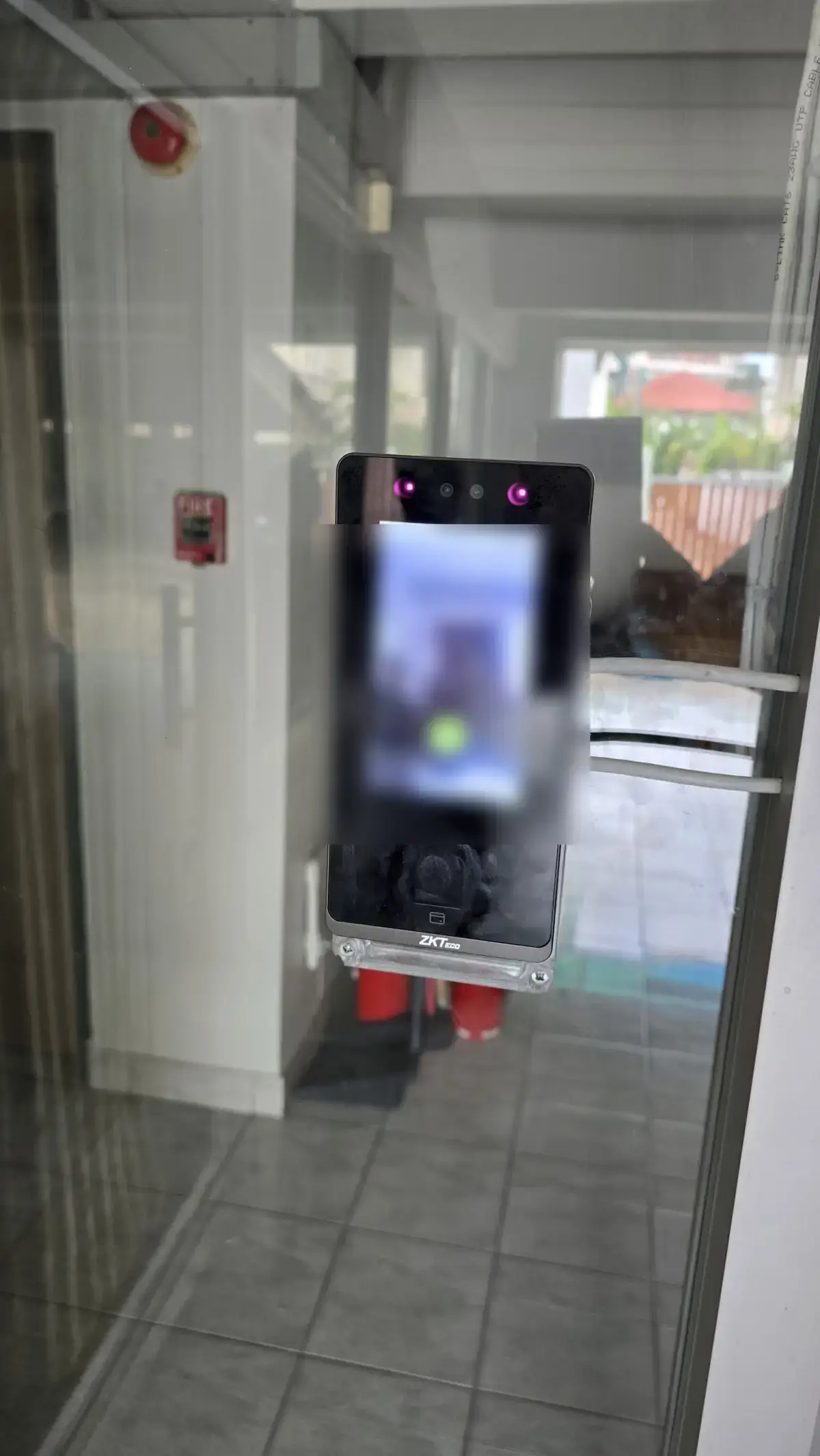
| ZKTeco SenseFace 4A | Face / fingerprint / card reader |
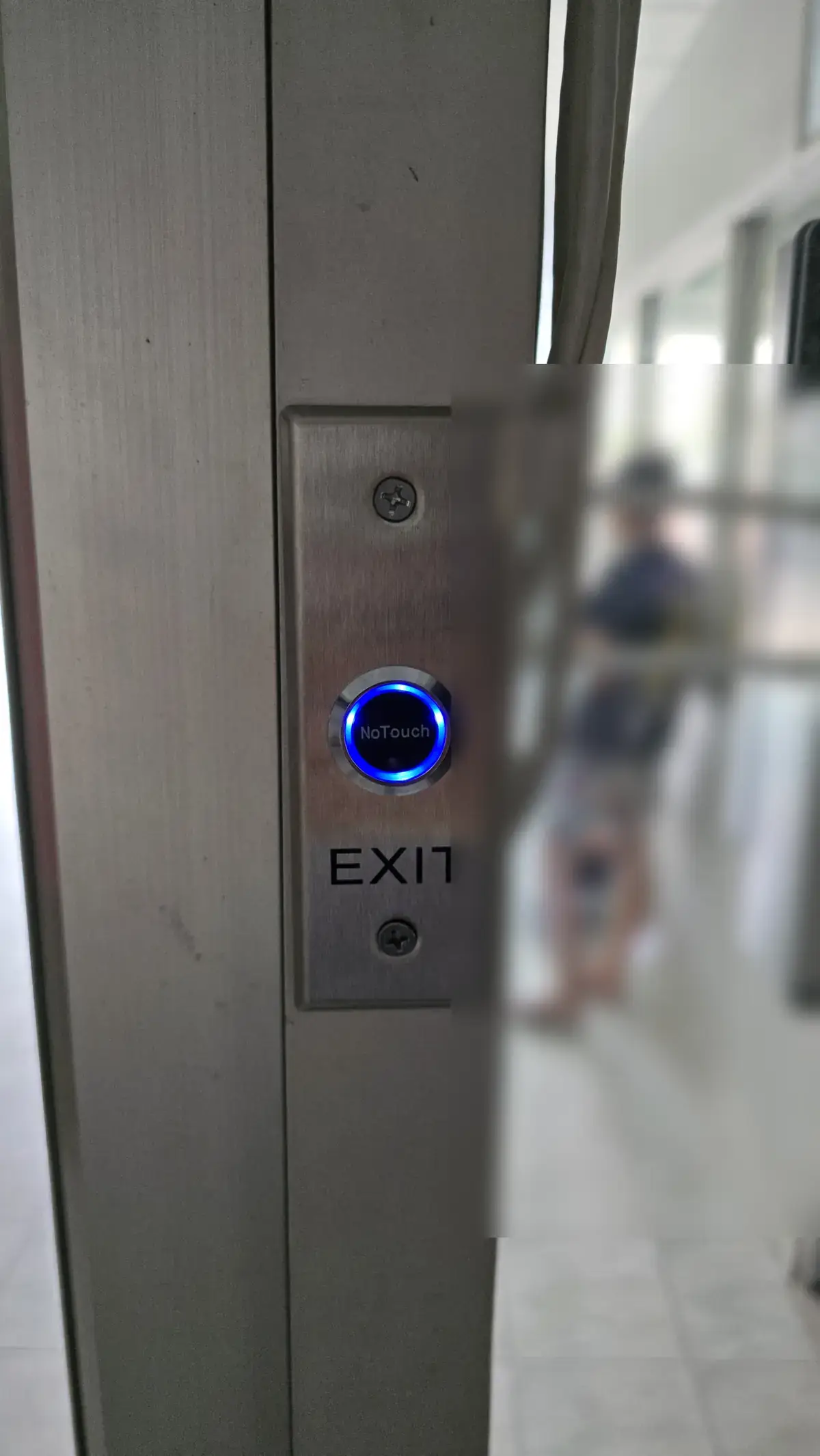
| No-touch exit switch | Request-to-exit button |
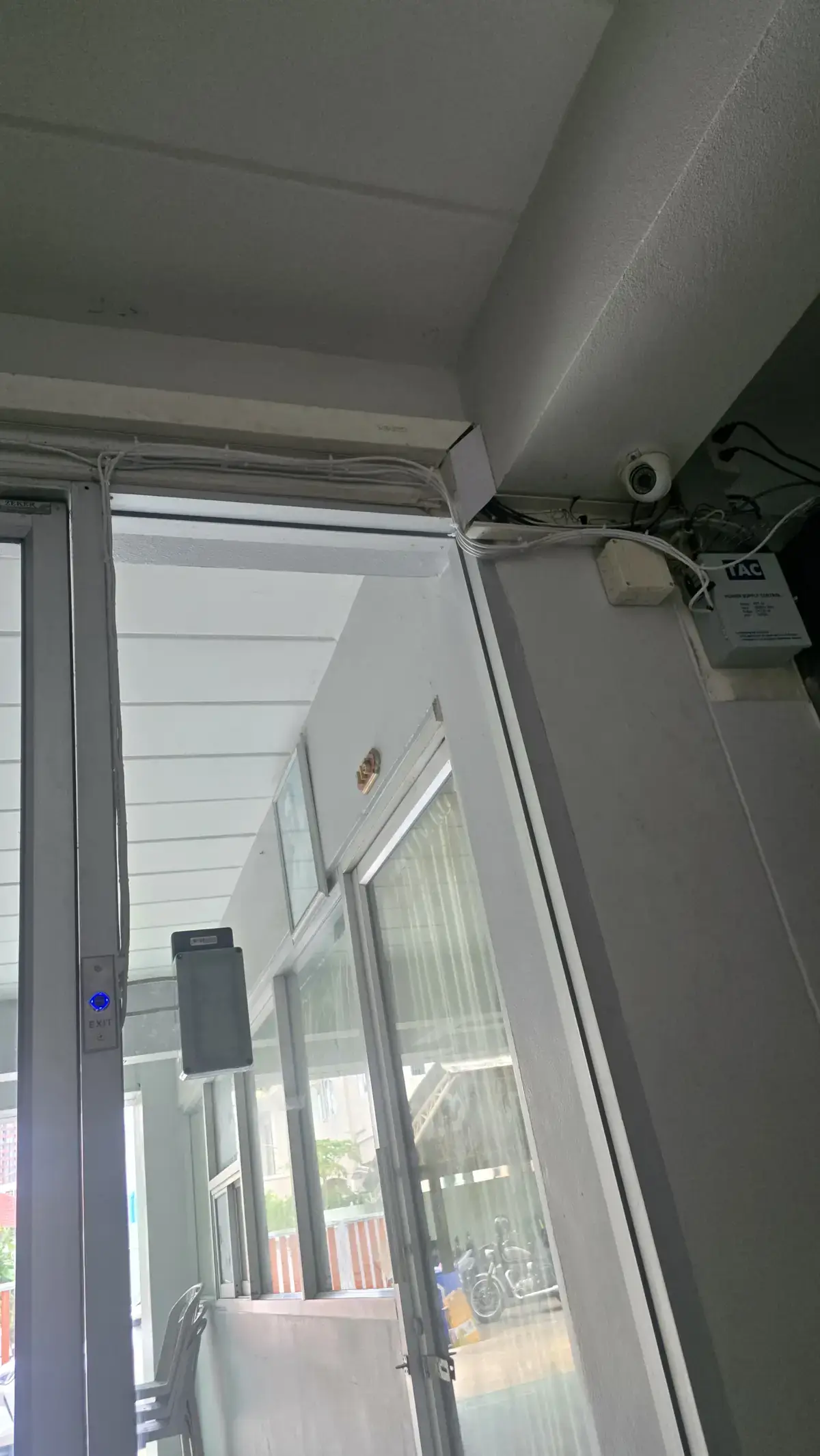
| Access power supply + 12V battery | Feeds the magnetic lock |
| Switching power supply | Feeds reader and exit button |
| IP65 enclosure | Protects junctions at the door |
| Cat6 UTP | Signal and power runs for the whole system |
// 03 · ON SITE
What Went Wrong
The job ran longer than planned: parts had to be ordered mid-install, and it had to fit around class.
01
Not enough power to go around
The existing supply could not carry the reader, the magnetic lock and the exit button at the same time. I added a switching power supply for the reader and the exit button, and left the main access supply responsible for the lock alone.
02
A dead relay circuit in the old cabinet
The previous install had a separate relay board piggybacked onto the power supply, which did not look odd until I opened it up: the relay circuit had been wired with reversed polarity and was already burnt out. I replaced the whole cabinet with a new access power supply plus battery and re-ran the circuit from scratch.
03
First time wiring an access control loop
I had never touched this kind of circuit before, so I had to work out what NC, NO and COM actually do and which terminal belongs where once a magnetic lock and a request-to-exit button are in the loop. Once that clicked, the rest of the wiring was straightforward.
04
The building had run out of IP addresses
The reader needs the network for user management, but the tenant subnet was full. I traced how the building was actually put together and found it was not running PPPoE, so the ISP router could still hand out addresses on a different range. I pulled one more dedicated Cat6 run for the reader instead of squeezing it into the tenant network.
05
People pulled on the exposed cable
In the first weeks someone kept tugging at the exposed cable for fun. Telling people to stop does not scale, so I treated it as a poka-yoke problem instead: change the thing so the mistake cannot happen. The run was re-dressed and boxed in until there was nothing left to grab.
// 04 · CABLING & DECISIONS
Wiring & Decisions
Cat6 for the entire system
Both signal and power runs use UTP Cat6 left over from the building's network job. It kept the cost down for the owner, and using one cable type end to end made the finished run far tidier than mixing several.
A separate supply for the lock
The magnetic lock runs on its own supply with a battery, separate from the reader and the exit button, so the state of the door does not depend on any other device. The owner chose to keep the door locked through a power cut, weighing night-time break-ins as the bigger risk.
No VLAN separation yet
The plan was to put the device on its own segment away from tenant traffic, but the ISP router the building runs is old enough that it cannot do VLANs at all. For now the separation is physical — its own cable run — and proper segmentation waits for the router to be replaced.
// 05 · WRAP-UP
Takeaways
What I got out of it
My first low-current circuit designed end to end — picking the hardware, sizing the power, pulling the cable, and handing it over to people who depend on it every day.
The lesson
Never trust what is already on site until you have opened it yourself. Next time I inherit someone else's install, I measure the supply and trace the whole circuit before touching anything.
Still on the list
VLAN separation once the router is replaced, and an emergency release at the door so people can always get out during a power cut or an emergency. The system is still in service and I maintain it myself.
Note: the building is deliberately left unnamed, and configuration details and the real cable layout are left out on purpose. This is a different building from thedormitory network rebuild.