Rack Server
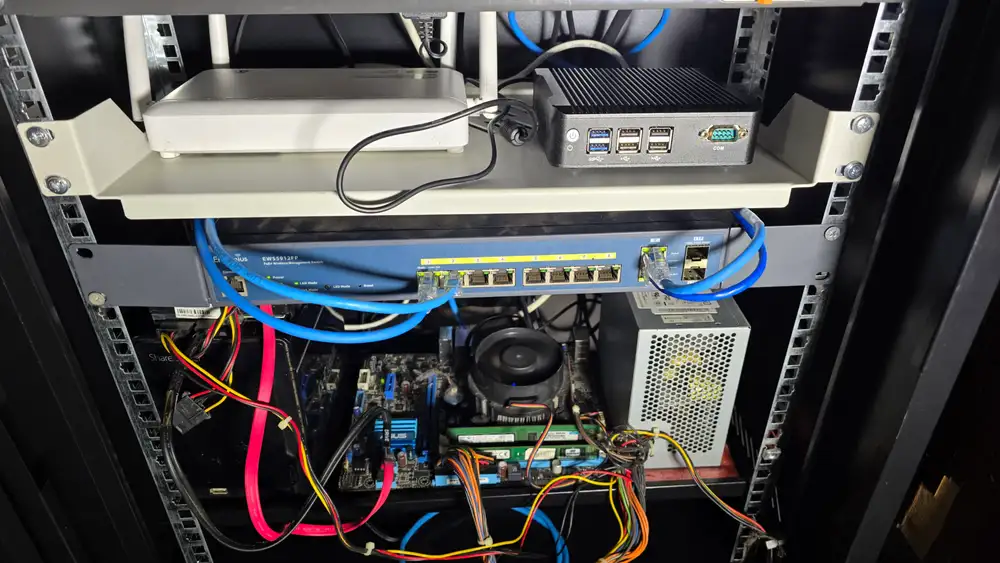
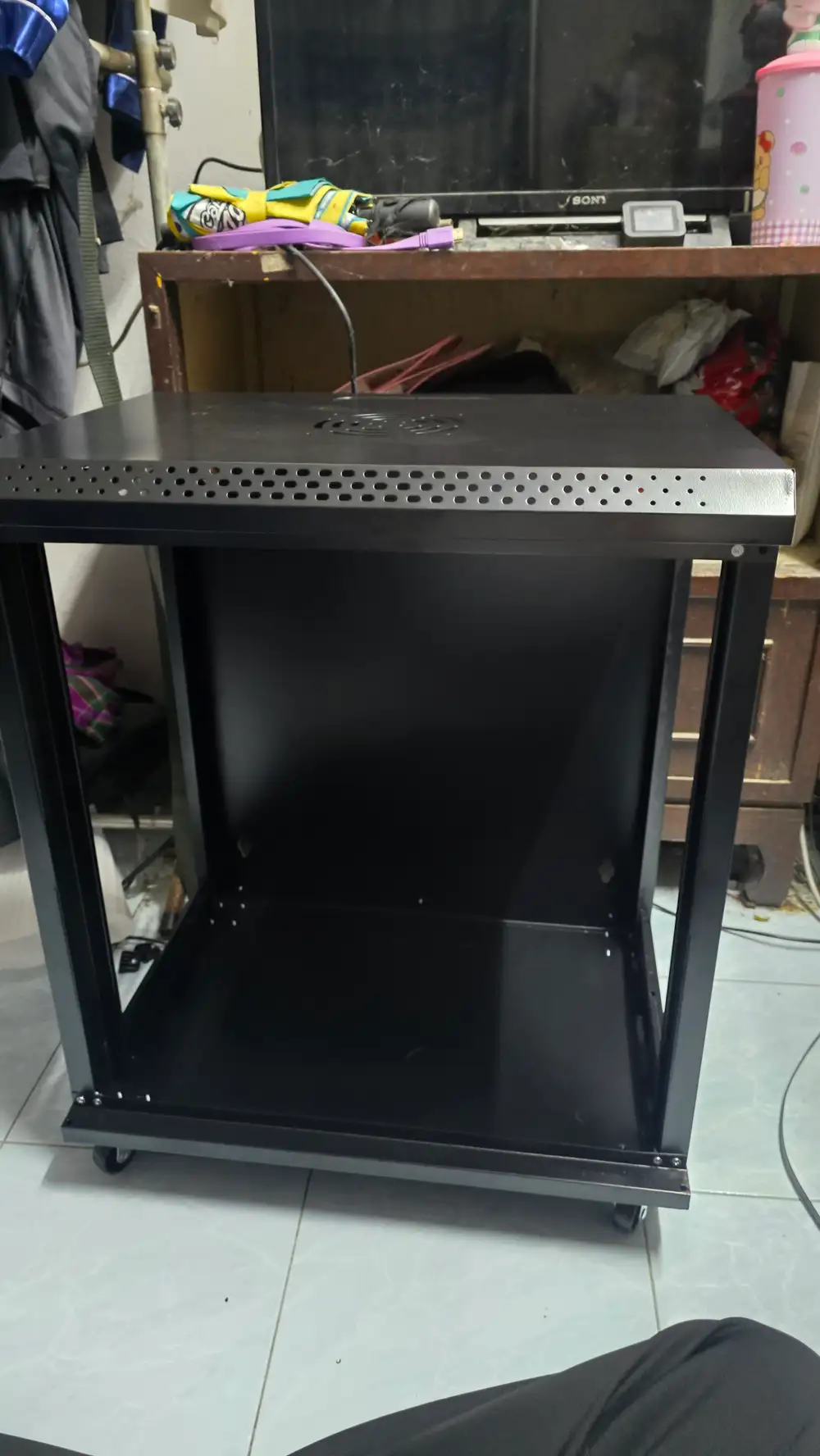
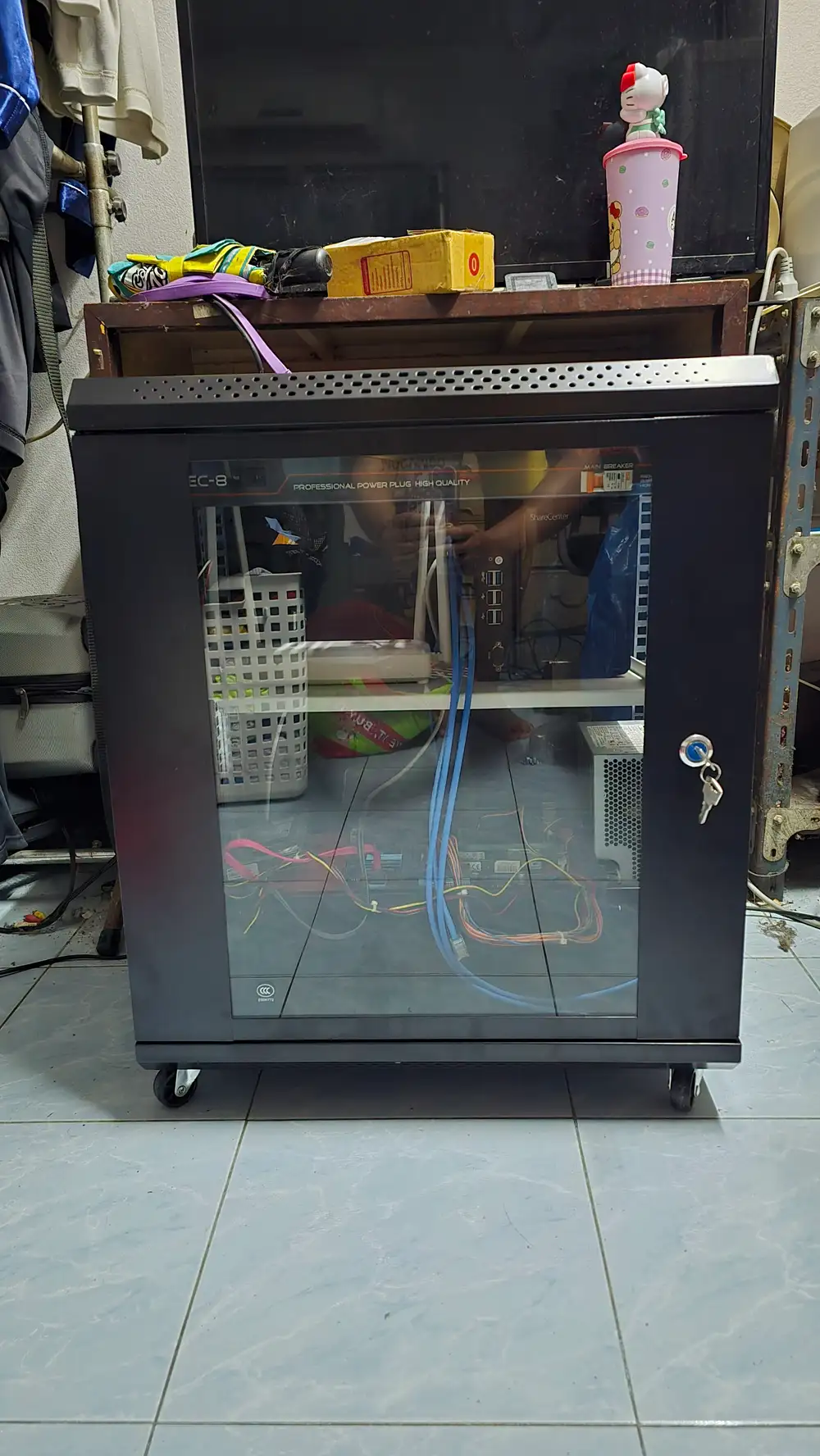
My former school teacher bought me this rack as a reward for helping out with various projects. Inside, starting from the top down, it contains a server, an AIS ONU, a mini PC (soft router) running RouterOS x86, switch engines, a NAS, and a storage compartment at the very bottom.
- ▹ Server
- ▹ ONU
- ▹ Softrouter: RouterOS 7
- ▹ Switch EnGines
- ▹ NAS
- ▹ Tools
Main Server
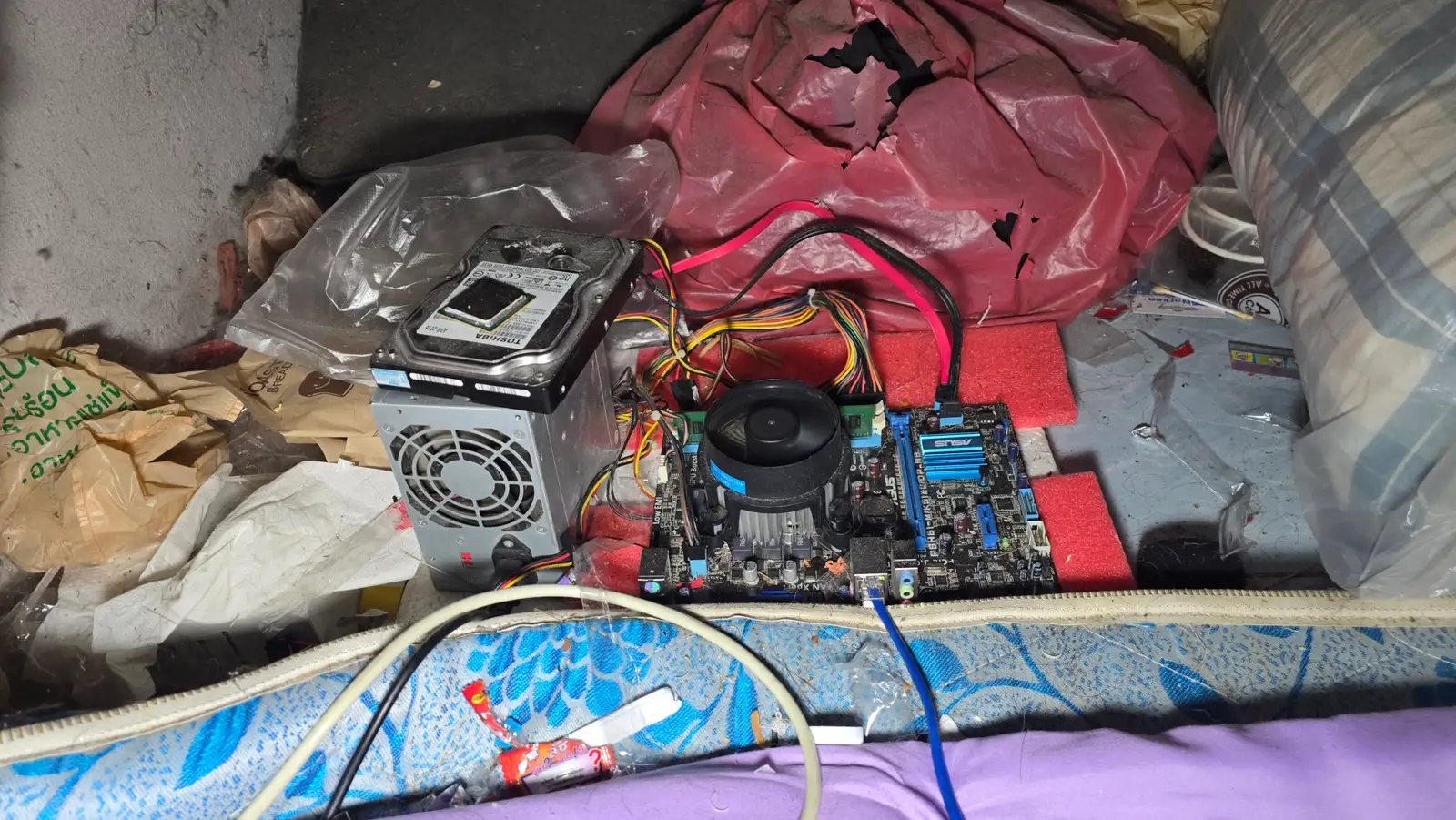
This server was repurposed from an old computer belonging to a teacher at my former school. Initially, it ran TrueNAS SCALE to serve purely as a NAS. However, I soon realized that utilizing it solely as a storage server was a waste of its potential. After getting familiar with Docker on TrueNAS,
I decided to migrate the operating system to Ubuntu Server. Today, this machine is dedicated to running self-hosted services. It currently handles around 30 stacks and 60 containers, with plans to continuously scale up and deploy more in the future.
- ▹ OS: Ubuntu Server
- ▹ Role: Docker Host / Web Server
- ▹ CPU: Intel Core i5-2500
- ▹ RAM: 8GB DDR3
- ▹ SSD: 120 GB
- ▹ HDD: 1 TB
Network Attached Storage (NAS)
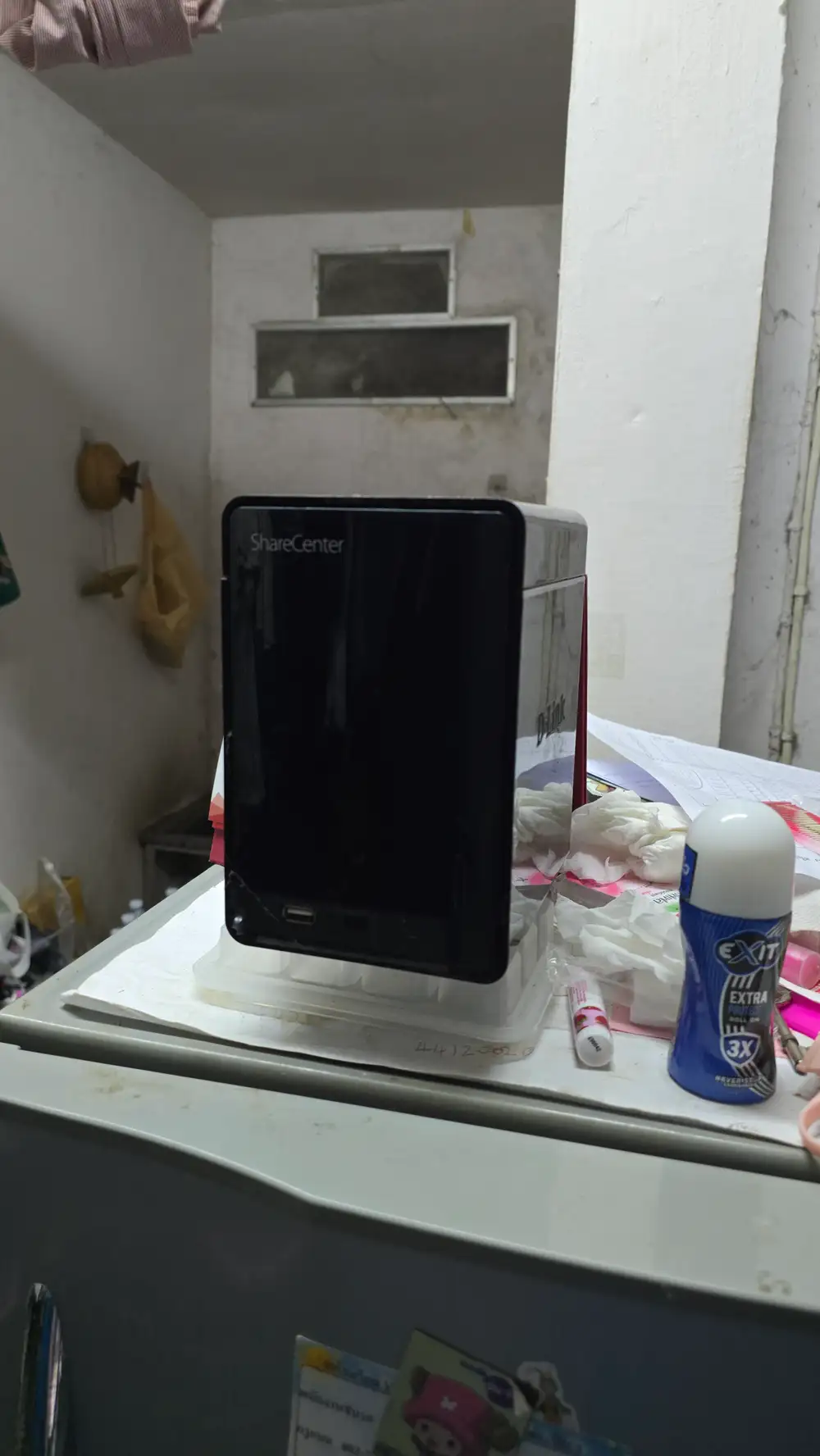
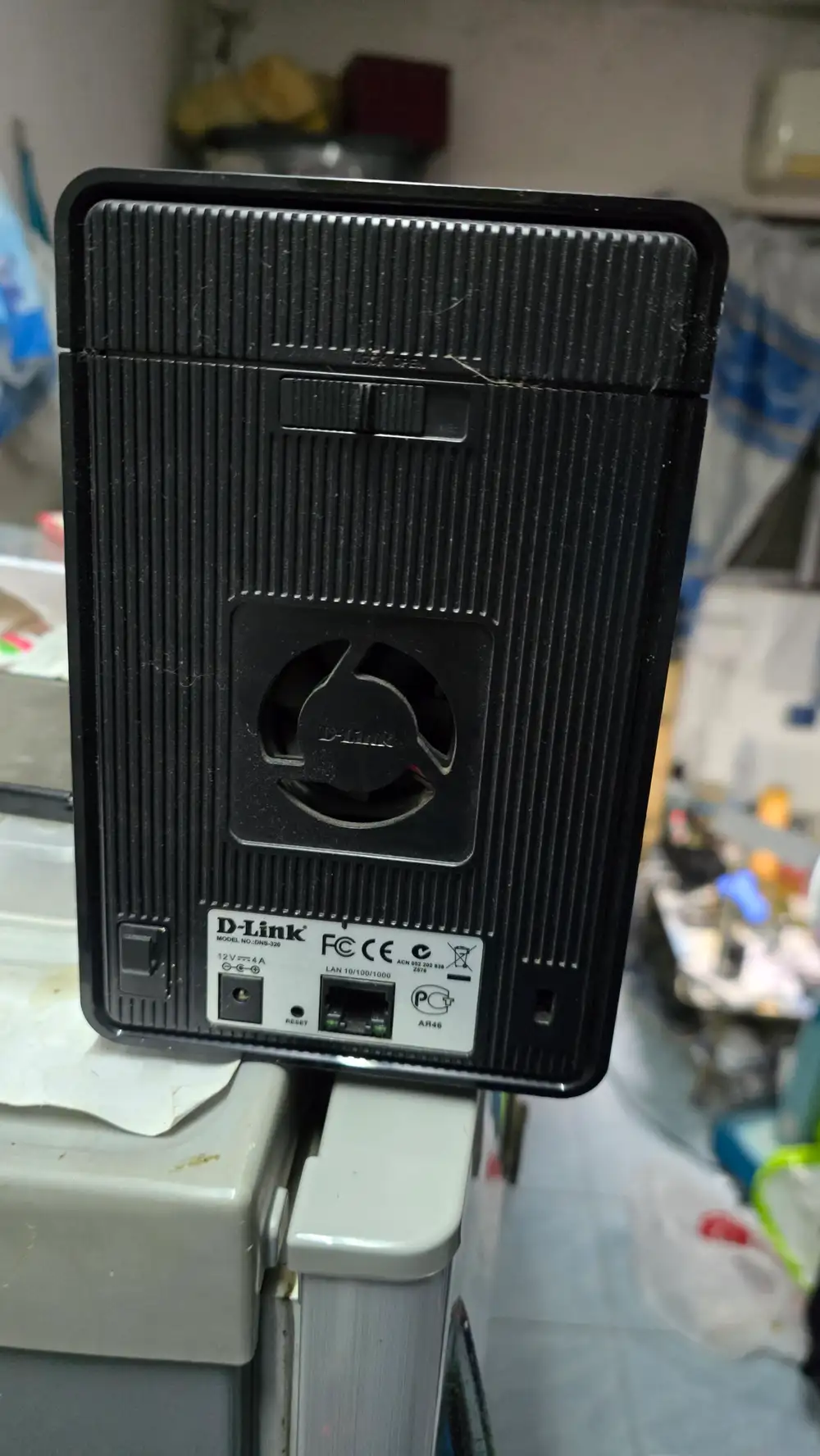
This D-Link DNS-320 NAS is another piece of equipment salvaged from my old school. Despite its age, it still runs perfectly. I currently pair it with my Ubuntu server as the primary storage backend for Nextcloud, using NFS (Network File System) to map the network drive directly to the D-Link.
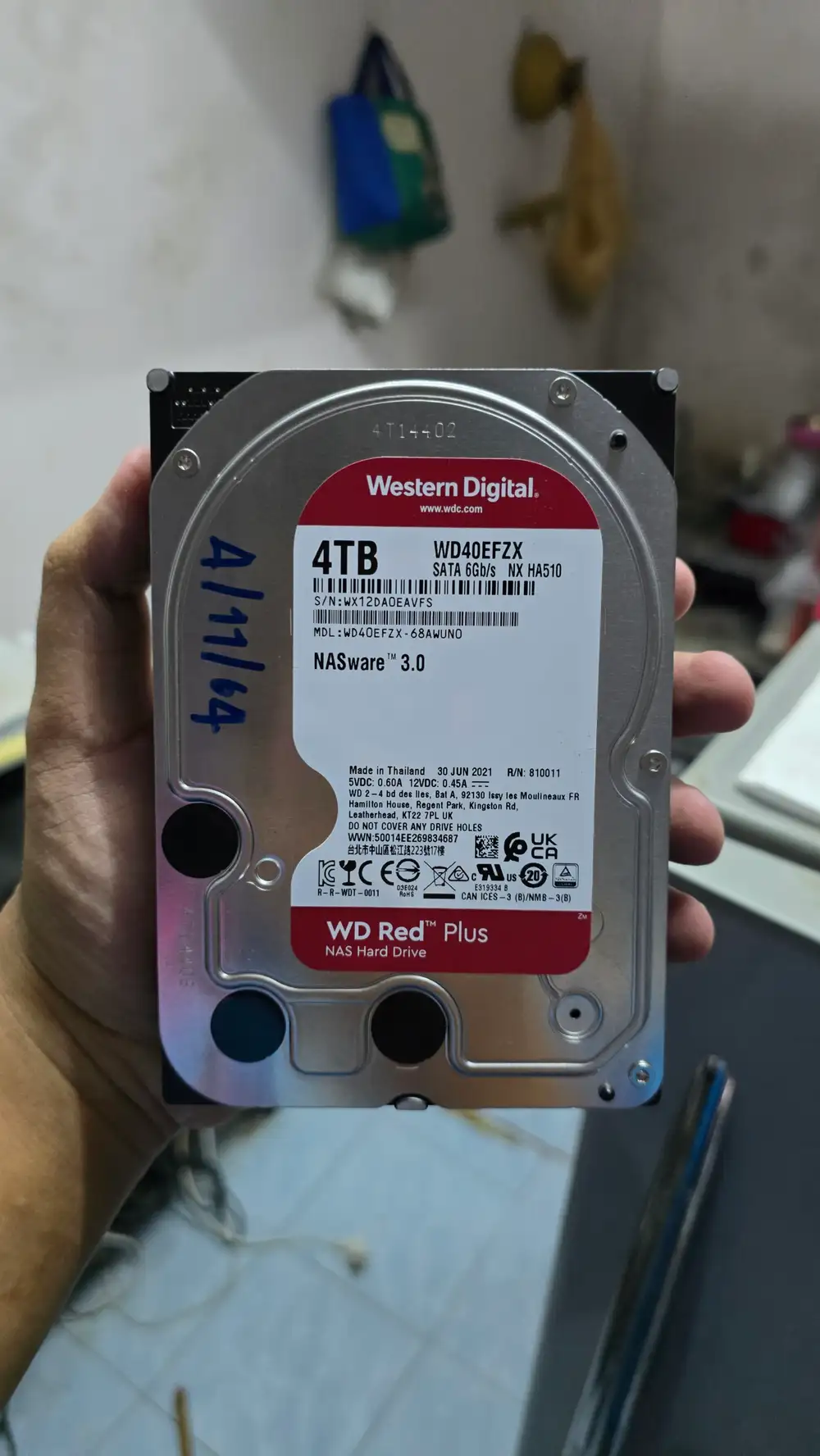
Originally, this NAS housed a 1TB HDD (since I had the NAS before the server), but I later moved that drive to the server. Now, it runs on a 4TB Western Digital Red (NASware 3.0) drive, which—you guessed it—also came from the old school.
- ▹ NAS: D-Link DNS-320
- ▹ HDD: 4TB Western Digital Red (NASware 3.0)
AdGuard Home
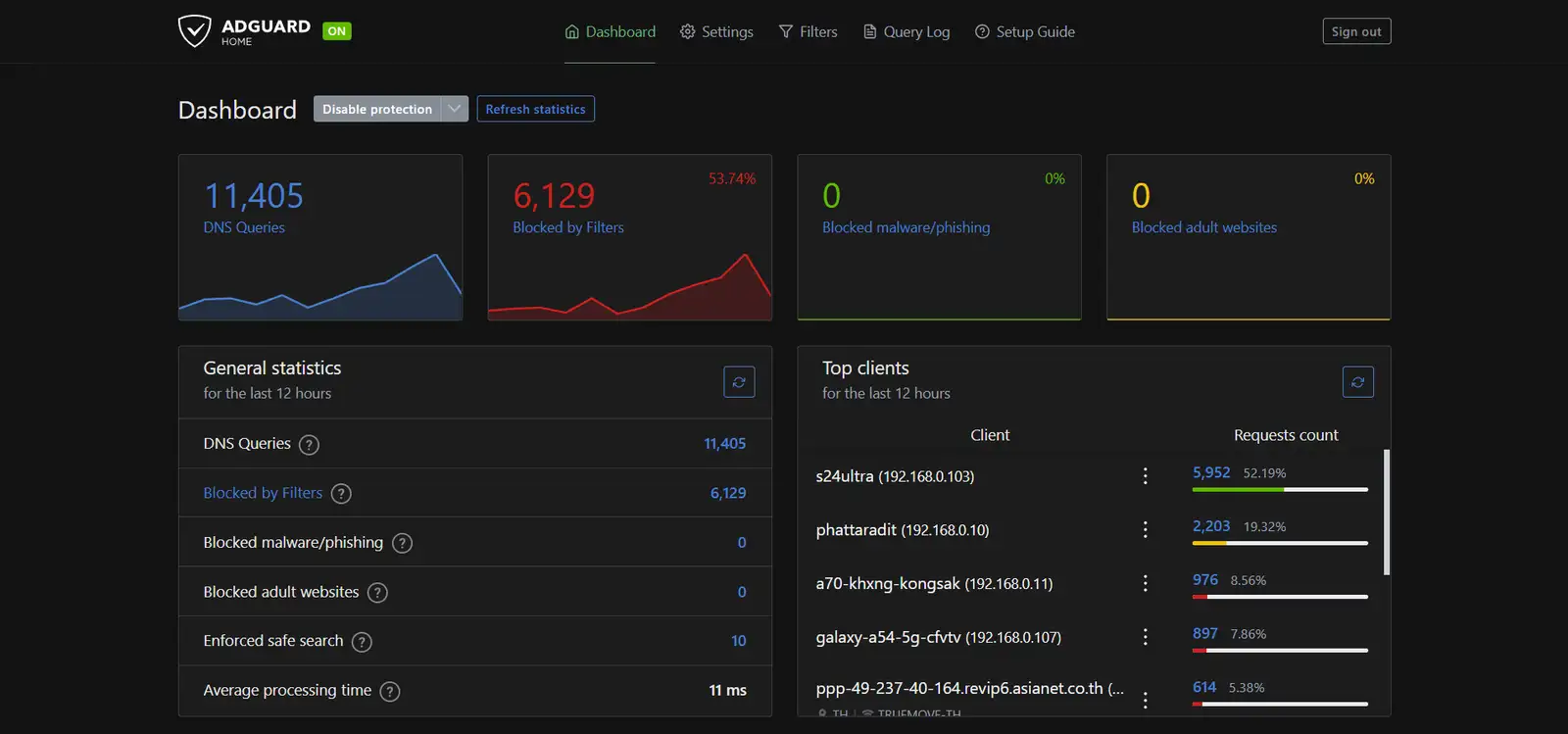
AdGuard Home serves as the ultimate ad, virus, and phishing blocker for this home lab. Operating at the DNS level, it has successfully blocked over 10 million malicious queries to date. It also "torments" everyone in the house by strictly preventing access to porn and gambling sites. We run over 30 filter lists to ensure maximum security, keeping a 90-day log history as a vital safeguard for any legal issues.
AGH is the absolute heart of this home's infrastructure. If it goes down, the entire network loses internet access. It's a double-edged sword: the upside is blocking ads and trolling neighbors who ask for Wi-Fi (by cutting off their YouTube or gaming DNS). The downside? If the server crashes, everyone in the house is sent straight back to the Stone Age.
- ▹ Docker: AdGuard Home
- ▹ Mode: Blocking ads, Phishing, Malware, Porn, Gambling sites
Bridge Mode
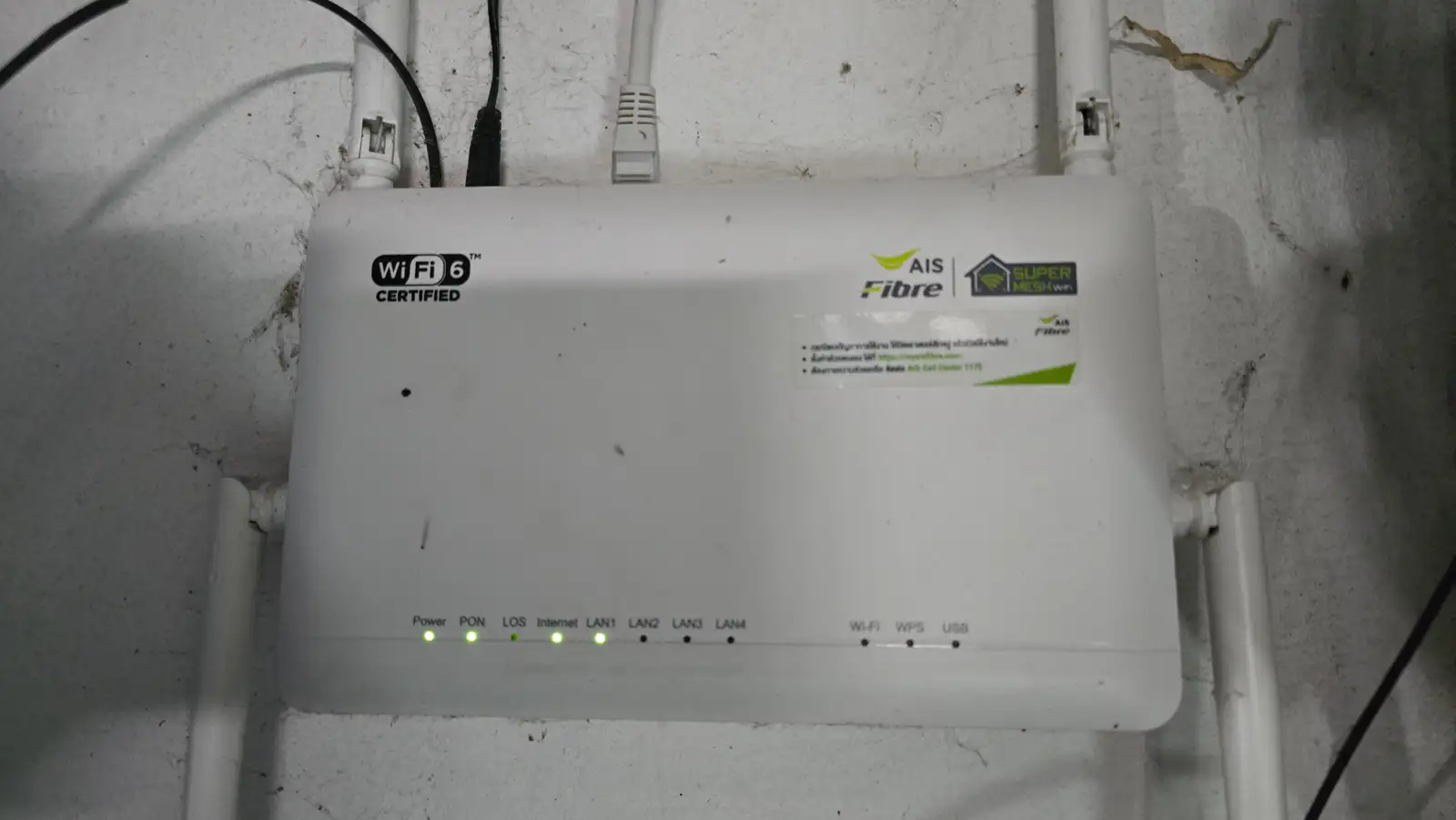
The ISP router is configured in Bridge Mode, functioning solely as an ONU to convert the incoming fiber optic signal. It connects directly to my TP-Link AX72, which takes over the routing and provides significantly better signal coverage.
My current internet package is 700/700 Mbps, costing 533.93 THB per month. This price is totally worth it, as it already includes a public IPv4 address.
- ▹ Router: ZTE
- ▹ Mode: Bridge Mode
- ▹ ISP: AIS Fibre
- ▹ Public IPv4 address
SoftRouter
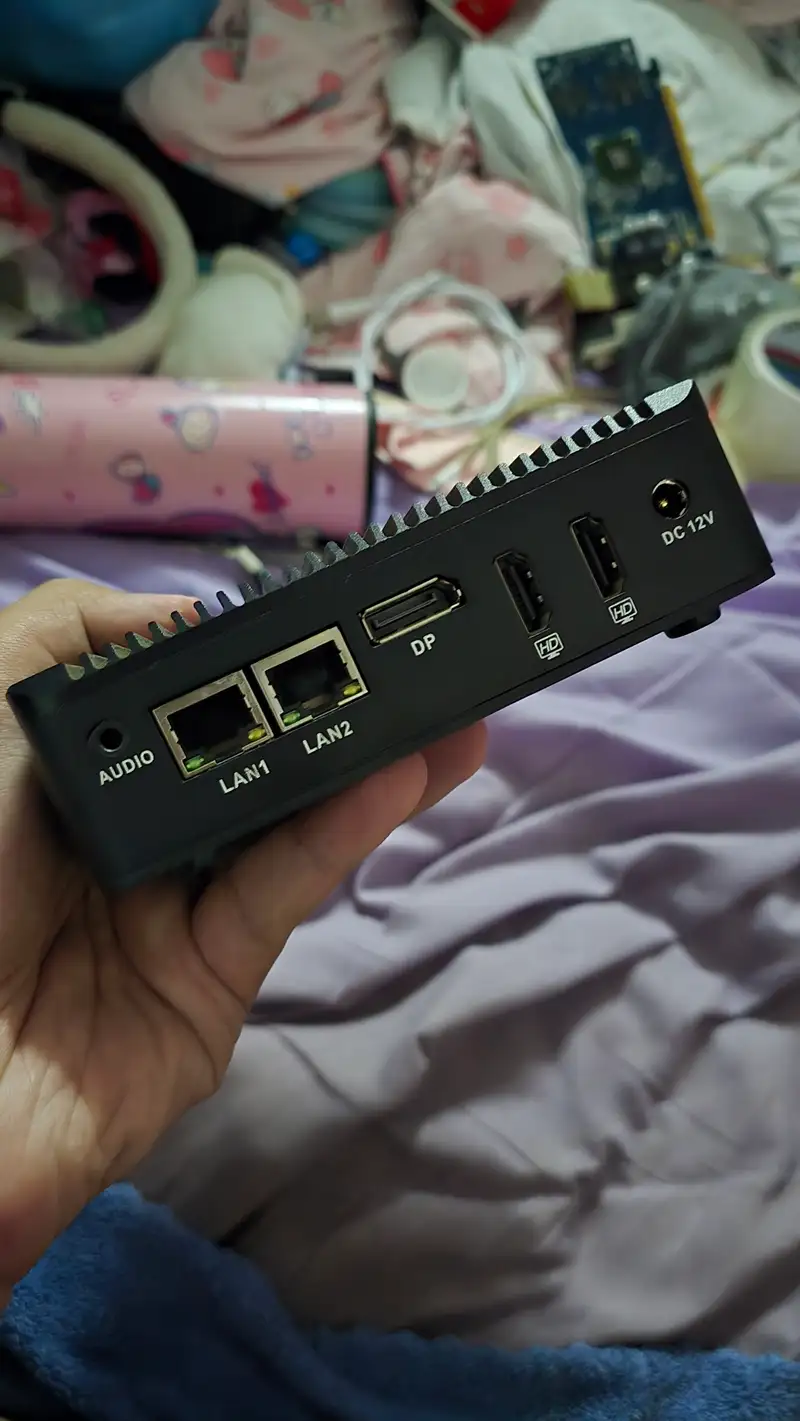
I got this mini PC when I went to fix a dorm's network. The dorm owner gave it to me because it was the very device causing their network issues! I later realized it was a mini PC that happened to have dual LAN ports, so I initially installed OPNsense on it as the first OS. However, it didn't quite meet my needs, so I switched over to trying out RouterOS instead.
- ▹ router
- ▹ Mikrotik: RouterOS 7
- ▹ PPPoE

switch
I also got this EnGenius switch from that same dorm network repair job. The dorm owner gave it to me when they upgraded to a new switch since it was still in good working condition, so I mounted it right into my rack. The LAN ports on the mini PC weren't enough, and I couldn't connect a LAN cable directly from the AP because it was too far away—running cables back and forth would have been way too messy. Even though it's an older model, it still holds up and performs really well!
- ▹ switch
- ▹ EnGenius: EWS5912FP
- ▹ Layer 2
- ▹ 8-Port Gigabit 10/100/1000
- ▹ PoE+ 130W
- ▹ Feature: VLAN, QoS, IGMP Snooping, STP/RSTP/MSTP, LACP
Network
(right now is AP)
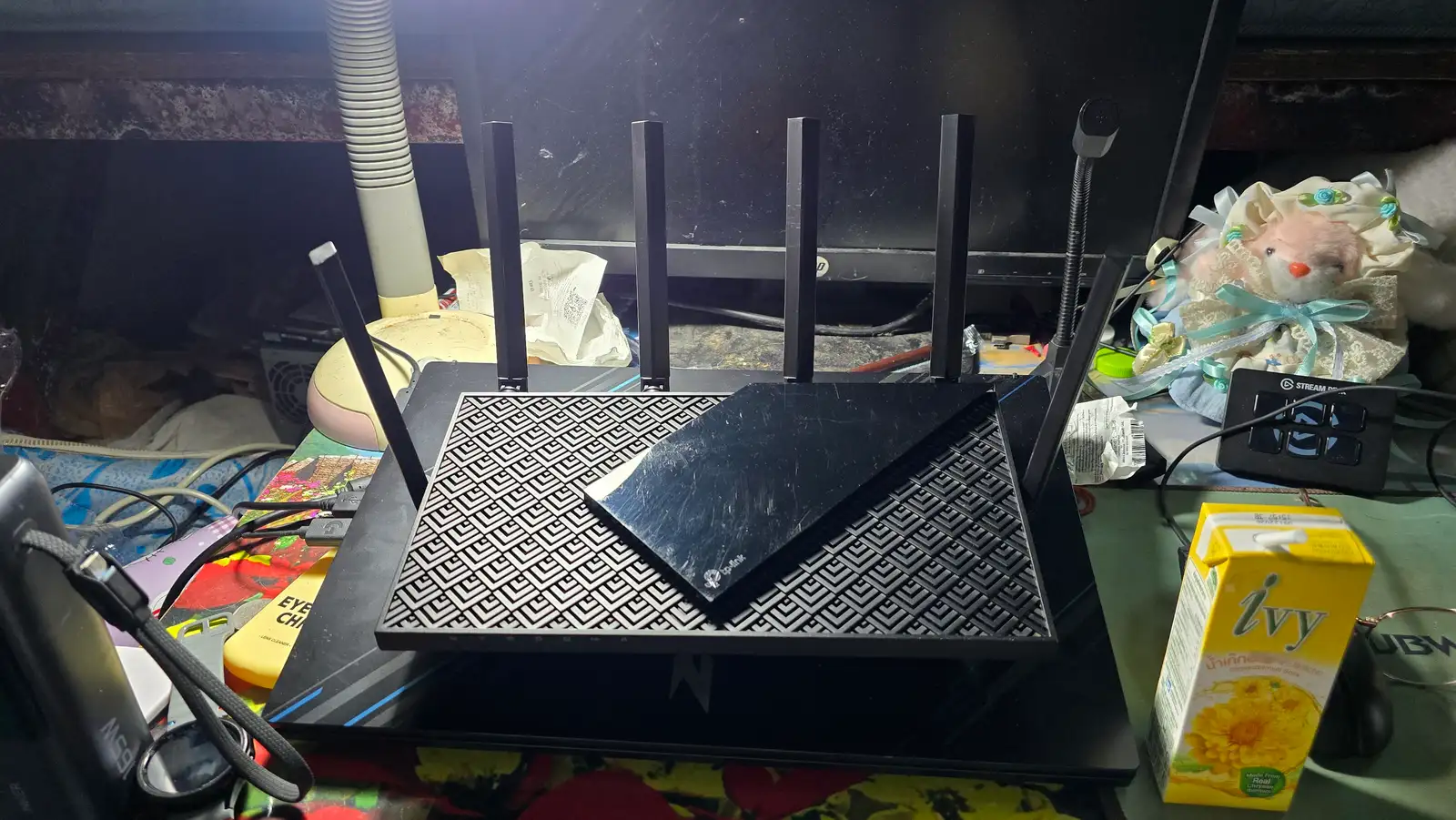
This TP-Link AX72 is a second-hand router — now serving as a Wi-Fi access point — I acquired in mint condition from a local Facebook group, "คลองถมขายของมือสอง". I snagged it for an absolute steal at just 1,000 THB (plus 40 THB shipping).
The device looks practically brand new, with only a few minor hairline scratches.
- ▹ Router: TP-Link AX72